
Add or import.
Add one party or several. Import from a CSV or a planner’s guest-list export.
Build your list, bring your families into the planning, and keep the details your guests share together.
Start your guest list| Guest party | Group | Individual RSVPs | Guest details |
|---|---|---|---|
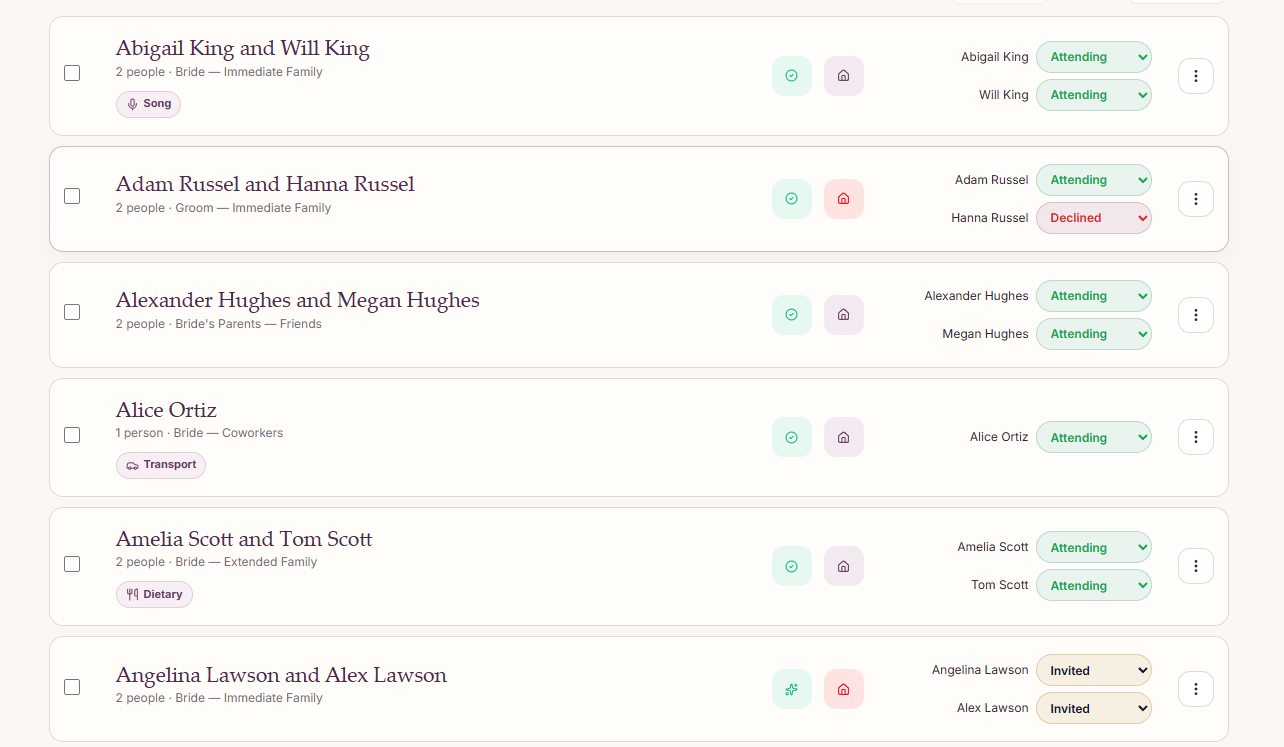
| AKAbigail King and Will King2 people | Bride — Immediate Family | Abigail KingAttending Will KingAttending | Song requests |
| ARAdam Russel and Hanna Russel2 people | Groom — Immediate Family | Adam RusselAttending Hanna RusselDeclined | — |
| AHAlexander Hughes and Megan Hughes2 people | Bride’s Parents — Friends | Alexander HughesAttending Megan HughesAttending | — |
| AOAlice Ortiz1 person | Bride — Coworkers | Alice OrtizAttending | Transportation needs |
| ASAmelia Scott and Tom Scott2 people | Bride — Extended Family | Amelia ScottAttending Tom ScottAttending | Dietary restrictions |
| ALAngelina Lawson and Alex Lawson2 people | Bride — Immediate Family | Angelina LawsonInvited Alex LawsonInvited | — |
6 example guest parties · Adding guests saves them. You approve outreach separately.
Share a guest-list link with your families. They can add their friends, family, coworkers, and plus-ones, one party at a time or several at once.
They see the guests they add. You see the whole list and decide who receives an invitation.
Add the people you would love them to invite.
Adding a guest does not send an invitation or message.
Collect dietary restrictions, seating preferences, accessibility needs, transportation needs, and song requests. Every reply gives you information you can use to make guests feel taken care of.
Add one party or several. Import from a CSV or a planner’s guest-list export.
Filter by group, RSVP status, or guest needs. Keep contacts, relationships, and preferences together.
Export your guest list whenever you need it for your planning.
Let your Wedding Concierge handle the conversations, so you can enjoy what comes next.